Getting Started
2. Log in
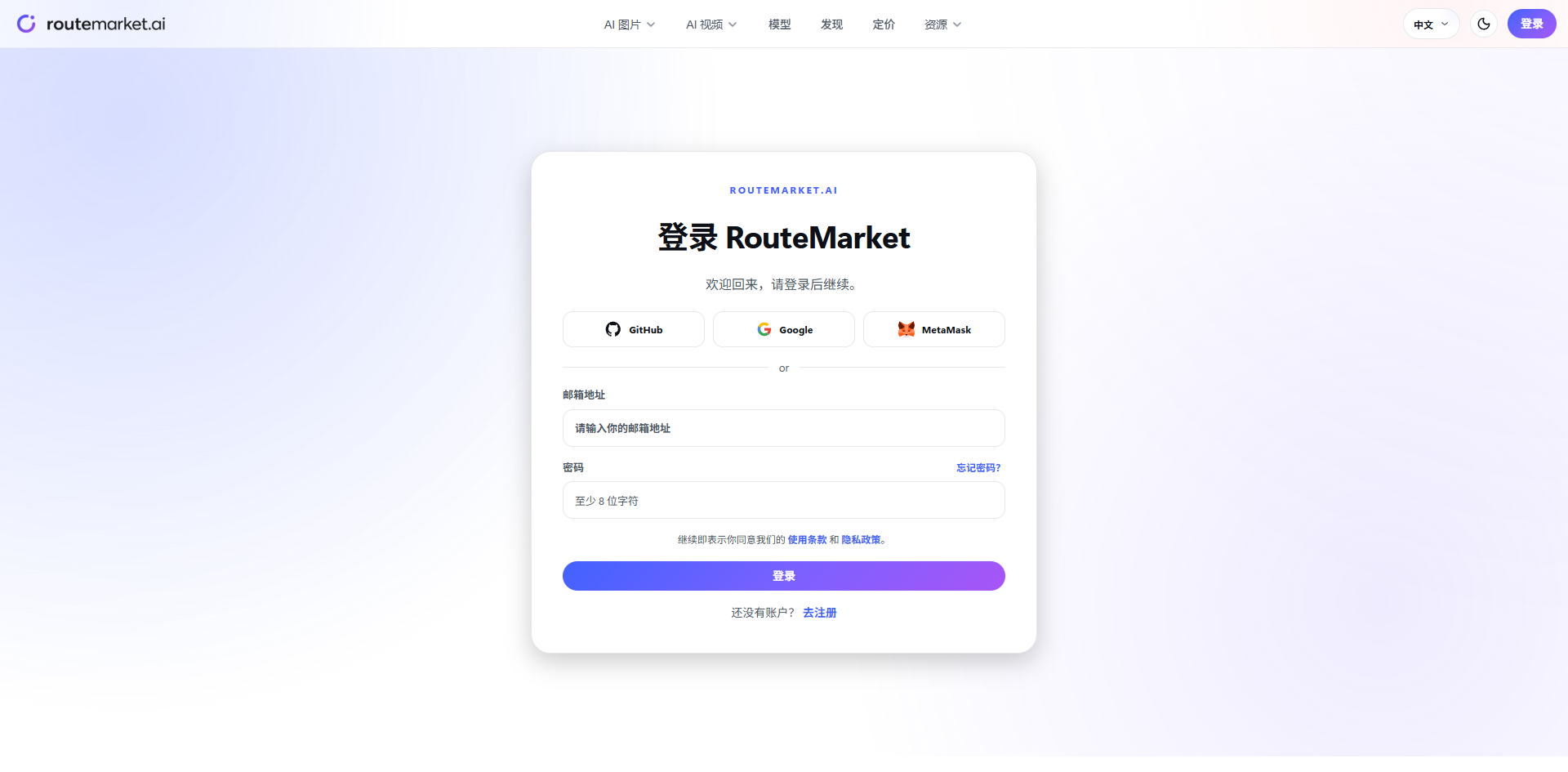
Log in to the RouteMarket console.
Visit the console login page and sign in with your Google account or your email/username and password.
Troubleshooting login issues
If login fails with an authentication error or the page misbehaves, it's usually a browser cache issue:
- Clear your browser cache:
Ctrl+Shift+Delete(Windows/Linux) orCmd+Shift+Delete(macOS). - Or manually clear cookies: open DevTools (
F12) → Application → Storage → Cookies → find the console domain → delete the session cookies. - Refresh and log in again.
Once logged in, continue to Purchase quota.